What you save is what stays.
The store keeps explicit objects. It does not build a profile or invent facts about you.
[ ] Open-source storage. Your agents’ stuff.
Save something with one agent.
Find it with another. Keep it yours.
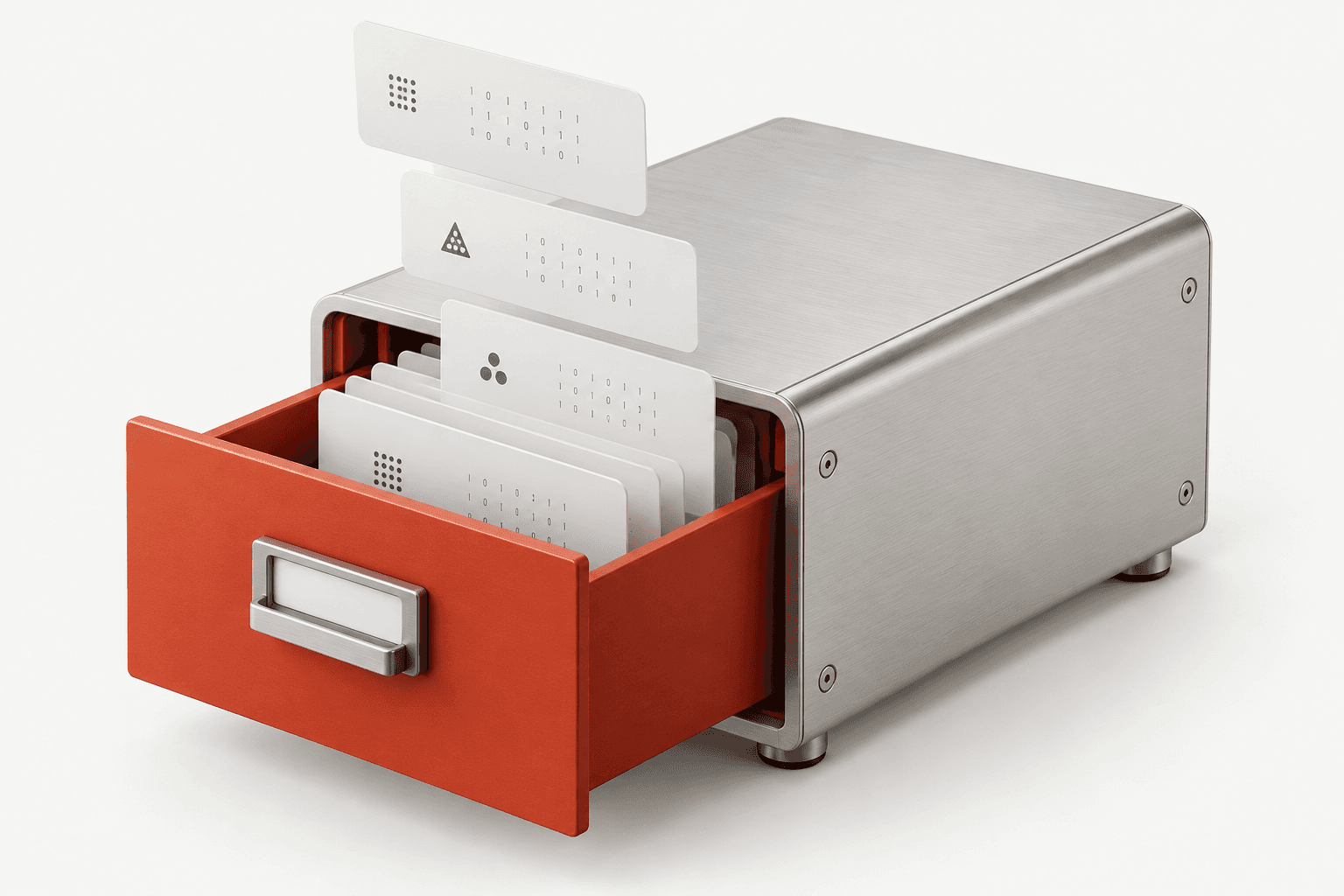
One store.
All the little things.
One useful thought. Saved in Claude, ready in Codex.
Illustrative demo. No agents connected or data persisted.
Let’s start with five teams.
A place for the useful bits.
Nothing saved yetA thought worth keeping.
A shared notepad. With an API.
AgentStore holds the things you ask your agents to save. Connect them to the same store and they can pick up where another left off.
A place for the thing you want to keep.
Save an example above to see the handoff.
Interactive example. Sample data stays in this page; no agents are connected.
The store keeps explicit objects. It does not build a profile or invent facts about you.
Give each object a key and kind. Add labels to find it again, or fetch it directly by key.
They understand your words. AgentStore handles the storing, searching, and retrieving.
Store
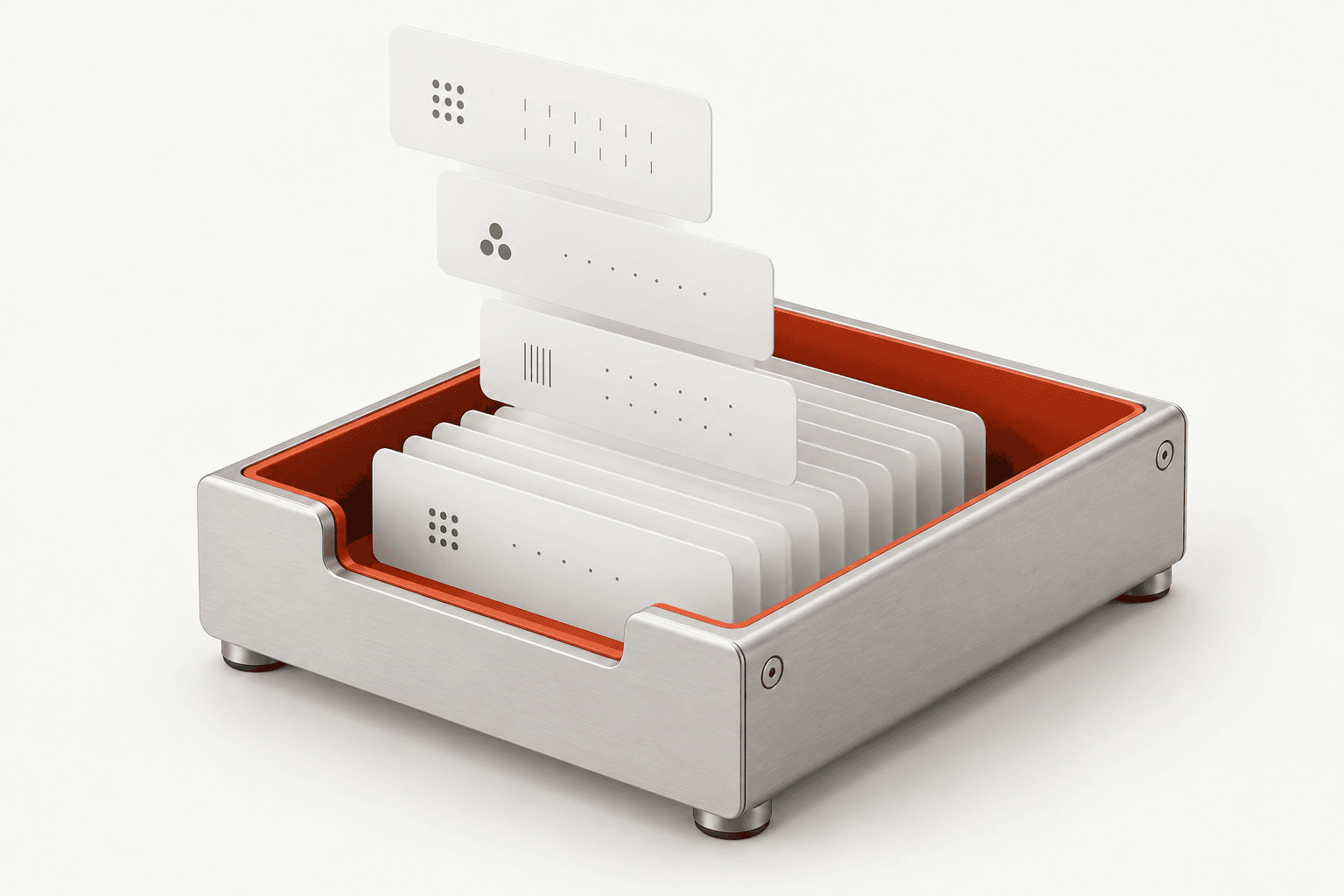
A decision, a todo, a contact, a few project settings. Ask your agent to save it as an object you can find and use later.
notes/launch-decisionnote / launch / planningStart with five teams. Expand after feedback.
Finding it is the point.
Know the key? Get the object. Need everything? List the collection. Looking for a detail? Search words and metadata.
Search is lexical. For paraphrases or typos, the agent may need to try different words.
Sample data with simple local matching. This example is not connected to your store.
Small surface. Useful building block.
Put, get, list, search, delete.
Five operations, whatever agent you use.
Save an object under a key. Replace it when it changes.
put({
  key: "notes/launch",
  kind: "note",
  labels: ["launch"],
  value: { text: "Invite five teams first." }
})Bring your own agents.
Connect Claude Code, Codex, or another compatible MCP client to the same AgentStore server.
Follow the setup guideStart the local store and MCP server. The dashboard lets you inspect and edit the same data.
Use stdio or Streamable HTTP. Shared access depends on pointing every client at the same database or server.
Optional routing plugins help agents recognize ordinary save and retrieve requests. Client approvals still apply.
Apache 2.0
Run the open-source core yourself. The planned hosted service will manage the infrastructure for you.
Explore the sourceNo. It stores objects your agents explicitly write. It does not learn from conversations, infer facts, or maintain a hidden profile.
No. The connected agent must call a storage tool. A routing skill can help it respond to “save this,” but it does not guarantee a tool call.
Yes. Objects can contain JSON values and carry keys, kinds, labels, versions, timestamps, and optional expiry. Contact details and settings fit too.
The store needs neither. It uses structured filters and lexical search. Your agent handles language and decides what to do with the results.
The managed service is planned. The open-source core is currently an alpha for local, single-user use; it is the version you can try today.